
To access or see which Stripe account is connected to Autohost:
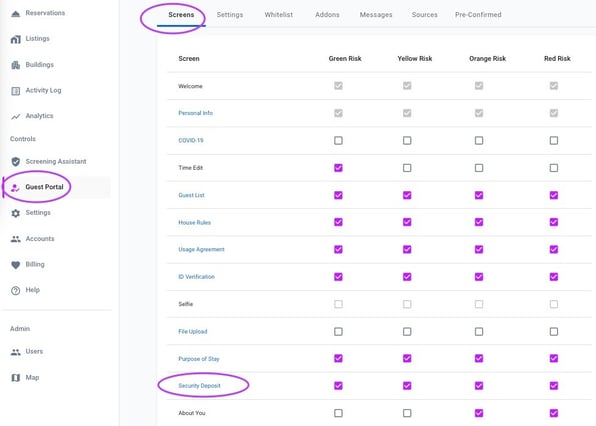
- Go to the Guest Portal in your Autohost dashboard.
- Navigate to Screens > Security Deposit.
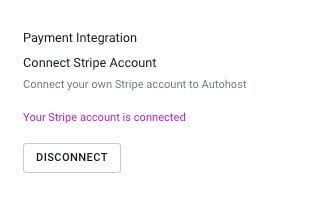
- Look for the Stripe connection information.
Note: Autohost does not store the login email for your Stripe account.
If you need to update the Stripe connection:
- Go to Guest Portal > Screens > Security Deposit
- Disconnect the current Stripe connection
- Reconnect with the desired Stripe account