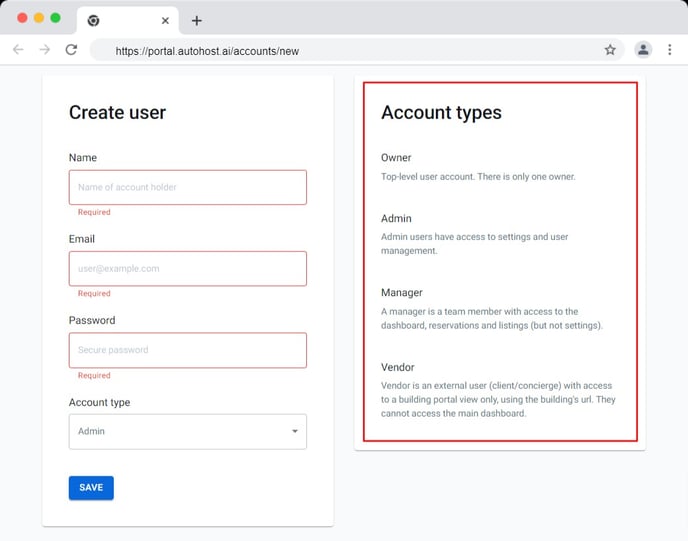
This setting gives you the ability to create multiple accounts for various users, such as administrators (yourself), designated managers at your company, and vendors.
How to Add a New Account:
-
On Autohost, go to Accounts.
-
Click Add Account.
-
Enter the requested information.
-
Click Save.
User Type |
# of Licenses Available |
Page Access Permissions |
|
Owner |
One (1) |
|
|
Administrator |
Multiple |
|
|
Managers |
Multiple |
|
|
Vendor |
Multiple |
|